AI study tools for studentsTurn PDFs Into Practice Tests in Seconds
Upload your lecture notes, textbooks, or study materials. Get personalized practice questions powered by AI.
3-day Pro trial. No credit card.


Quick answer
What do AI study tools for students actually do?
AI study tools for students take material you already have, like lecture slides, a textbook PDF or your own notes, and turn it into things you can practise with: quizzes, flashcards, practice tests and study guides. In QuerySpark you upload a file or paste your notes, wait about a minute, then study with every answer explained. It is free to start: a 3-day Pro trial with no card, then a free plan with 20 questions a month.
- Works from PDFs, slides, Word files, photos of notes, recordings and YouTube links
- Quizzes, flashcards, study guides and scored practice tests
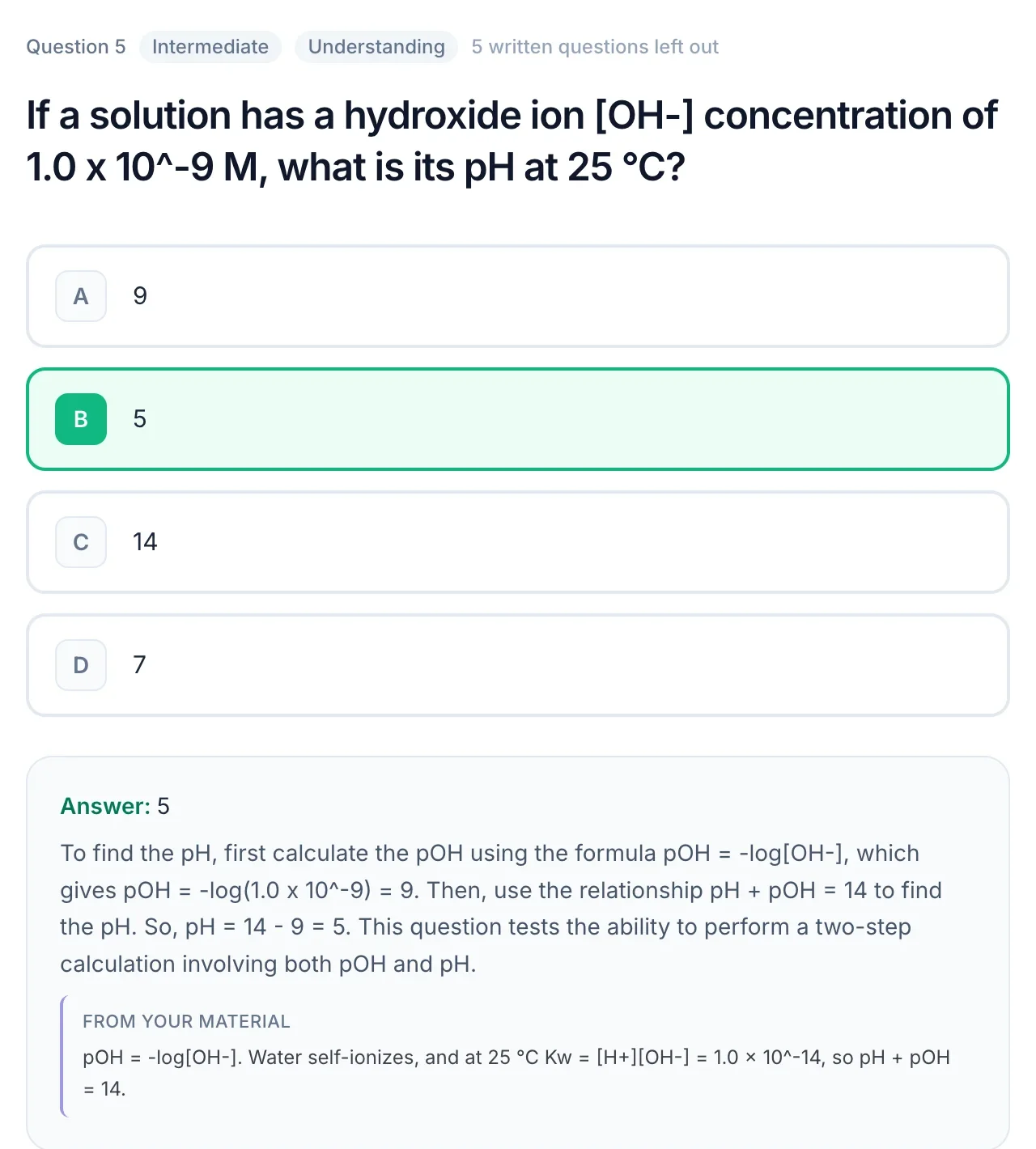
- Every answer explained; most questions show the passage they came from
- Free plan after the trial: 20 questions, 20 flashcards and 1 study guide a month

Drop a PDF, slides or notes
or paste a YouTube link
Made for the exams and classes you are studying for
- NCLEX
- MCAT
- AP Biology
- USMLE Step 1
- CPA
- AP US History
- Pharmacology
- Anatomy and Physiology
- LSAT
- CompTIA Security+
- Organic Chemistry
- Microeconomics
- GCSE Science
- AP Psychology
- Bar exam
- Pathophysiology
- Calculus
- IB Biology
- World History
- Physics
- Biochemistry
- Statistics
- PMP
- Intro to Psychology
One upload
Every way to study, made from your notes
Each upload gives you practice questions, flashcards, a study guide and practice tests. Pick whichever suits the day.
Notes to quiz
How to turn your notes into a quiz
Upload or paste one topic's notes and QuerySpark writes a quiz from them in about a minute. Four habits make the result worth studying.
- 01
Pick one lecture, not one semester
A quiz is sharpest when the source covers one topic. One lecture's notes or one textbook chapter gives a focused set of 10 to 20 questions; a whole semester gives a thin sample of everything.
- 02
Upload, snap or paste
Upload the PDF or slides, take photos of handwritten pages (neat handwriting is read with OCR), or paste typed notes. Pasting works best when your notes are sentences rather than single-word bullets.
- 03
Answer before you peek
Take the quiz closed-book. Each answer comes with an explanation, and most show the line of your notes the question was written from, so a wrong answer sends you straight to the right page.
- 04
Cut what misses
Delete any question that tests something your lecturer skipped, and edit any that is worded oddly. Two minutes of trimming makes the set yours.
Want to see it before making an account? The free question generator takes up to 6,000 characters of pasted notes and returns real multiple-choice questions with explanations, 3 times a day, no sign-up. Uploading files, flashcards and study guides need a free account. For a walkthrough of every input, see turning notes into a quiz.
How to turn notes into flashcards
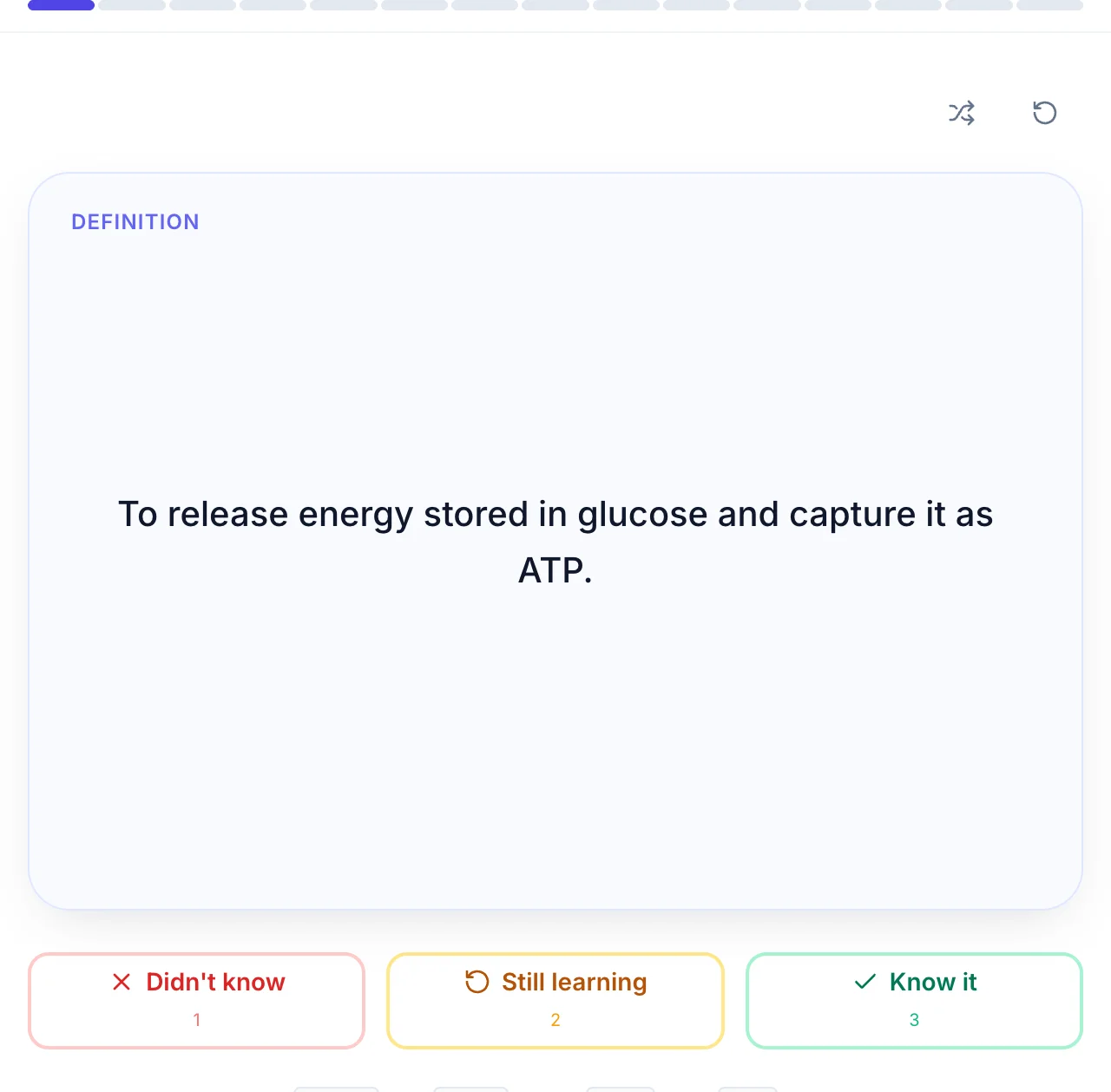
The same upload that makes your quiz also makes a flashcard deck. Good cards hold one fact each and put a question on the front, not a heading: "What does the loop of Henle do?" beats "Loop of Henle".
Rate each card Didn't know, Still learning or Know it, so you can see at a glance which ones still need another round. More on this in notes to flashcards.
An AI test maker for studying
A practice test is a quiz with the stakes turned up: a mix of multiple choice, true/false, short answer and essay questions, an optional timer, and a score at the end.
Take one closed-book about a week before the exam, then retake only the questions you missed two or three days later. Build one from a chapter with the PDF to practice test tool.
How to make a study guide from notes
Copy the topic list from your syllabus. Under each topic, write the two or three questions an examiner would ask, answer them from memory, then check your notes and fill the gaps in a different colour.
QuerySpark drafts a quick review, comprehensive or exam prep guide from the same notes. Use it as a checklist to test against, not something to reread. See notes to study guide.

Exam prep
How to study effectively for exams
Swap rereading for answering questions, and spread the work out. A large 2013 review of study techniques led by John Dunlosky rated practice testing and spacing your study over time as the two most useful methods; rereading and highlighting rated low. Rereading feels productive because the page looks familiar, but recognising something is not the same as being able to produce it in an exam hall.
Two weeks out: make one quiz per lecture or chapter. Study in 25 to 30 minute sessions on different days rather than one long block. One week out: take a full practice test and list the topics you missed. The last three days: retake only the missed questions, mix topics in each session, and stop adding new material the night before.
Only have one day? Skip the rereading entirely. Generate questions from the topics most likely to come up, answer them, read the explanations for the ones you miss, and try those again in the evening.
Memory
How to remember what you study until exam day
Memories fade fastest in the first few days. The fix is to test yourself before that happens: once the same day, again a couple of days later, then the following week. Every time you pull an answer out of memory it lasts longer, which is the idea behind active recall.
QuerySpark handles the timing for you with spaced repetition: questions you get wrong come back sooner, and ones you answer easily move further out. When you miss one, read the explanation and the quoted passage, then let it return later rather than rereading the whole chapter.
It works for any subject with a body of knowledge to learn, from high school biology to pharmacology. For maths-heavy courses, use the questions to check you know which method applies, and keep working full problems by hand.
College and university
AI study tools for college students: what to make for each course
Different courses are examined differently, so the most useful thing to generate changes too.
| Course | What to generate | Why |
|---|---|---|
| Biology, psychology, nursing | Flashcards for terms, multiple choice for mechanisms | Lots of vocabulary plus 'which of these explains' exam questions |
| History, politics, literature | Short answer and essay questions, plus a comprehensive study guide | Exams reward explaining causes and arguments, not naming dates |
| Economics, chemistry, physics | Multiple choice on concepts; work the numerical problems yourself | Generated questions check you know which method applies; only practice builds speed |
| Languages | Flashcards in both directions | Recall from your own language to the target one is the harder, more useful direction |
| Law, business cases | Short answer on rules and tests, then apply them to a case | Knowing the test is the first half; applying it is the mark scheme |
Everything You Need to Succeed
- Four question typesMultiple choice, true/false, short answer and essay
- Study modesFlashcards, quizzes with an optional timer, and practice tests with a score
- Spaced repetitionQuestions you miss come back sooner; ones you know move further out
- Export anywherePDF, Word or CSV; Anki and Quizlet can import the CSV
- Progress trackingSee which topics you have down and which need another round
- Phone friendlyStudy in your phone's browser between classes
Are there free AI study tools for students?
Yes, with limits worth knowing up front. QuerySpark gives every new account a 3-day Pro trial with no credit card. After that the free plan includes 1 study session, 20 generated questions, 20 flashcards, 1 study guide, 10 PDF pages, 1 YouTube video and 2 web links a month, with files up to 5 MB. Everything you made stays yours.
If you study every week, the Student plan is $9/month or $7/month billed yearly, with 1,000 questions and 500 PDF pages a month. Full details on the pricing page.
When another tool is the better choice
If you already have a good Anki deck and only need scheduling, keep using Anki; it is free on desktop and Android. If you want thousands of decks other students have made, a library like Quizlet has far more.
QuerySpark earns its place when you have raw material (40 slides, a long PDF, a recorded lecture) and turning it into questions is the step that keeps not happening. It works best on clear text; very messy handwriting and pages that are mostly diagrams give weaker questions.
Popular study sets
Made with QuerySpark from real course material. Open one and start studying, no account needed.
Frequently asked questions
Yes. QuerySpark starts with a 3-day Pro trial with no credit card, then a free plan with 20 generated questions, 20 flashcards, 1 study guide and 10 PDF pages a month. You can also try the question generator on pasted text without an account, 3 times a day. The Student plan is $9/month, or $7/month billed yearly.
Yes. Upload your notes as a PDF, Word file or photo, or paste them, and QuerySpark writes a quiz of typically 10 to 20 questions in about a minute. Each question has one correct answer and an explanation. Typed notes written in full sentences give the best questions.
Yes, within the free plan's 20 flashcards a month, and without limits during the 3-day trial. Flashcards are made from the same upload as your quiz and come with spaced repetition. You can export a deck as CSV if you prefer to study in Anki or Quizlet.
QuerySpark makes practice tests from your course material and scores them when you finish. You can mix multiple choice, true/false, short answer and essay questions and set an optional time limit. Taking one a week before the exam shows you which topics still need work.
List the topics on your syllabus, then under each write the questions you expect and answer them from memory before checking your notes. QuerySpark can draft a quick review, comprehensive or exam prep study guide from the same notes, which you then use to test yourself rather than to reread.
Start one to two weeks out, study in short sessions spread across several days, and spend those sessions answering questions rather than rereading. Retake the questions you miss two or three days later. The night before, review only your missed questions and sleep.
Test yourself soon after learning something, then again a few days later, then again the next week. Each successful recall makes the memory last longer. Reading the explanation after a wrong answer, then retrying it later, fixes the gap faster than rereading the chapter.
Questions and answer keys are generated from the material you provide, and most show the passage they came from so you can check them. AI can still make mistakes or miss context, so you can edit, delete or regenerate any question before studying with it.
There is no direct Anki or Quizlet export, but you can download your questions or flashcards as CSV, which both can import. PDF and Word exports are there for printing.
Still stuck? Email us.
Keep going
More Study Resources
Guides and tools for the next step in your studying.
Ready to Ace Your Next Exam?
Start a 3-day Pro trial with no credit card required, then keep everything you create.