Overview
Learn the fastest way to turn any PDF — lecture slides, textbooks, or research papers — into effective study flashcards using AI. No manual typing required.
You've got a 200-page PDF textbook, and your exam is in 3 days. Reading through the entire thing again isn't going to cut it. What if you could turn that PDF into a set of flashcards in under 5 minutes, for free?
That's exactly what modern AI tools like QuerySpark make possible. In this guide, we'll walk you through the fastest methods to convert any PDF into study-ready flashcards.
Why Flashcards Work (The Science)
Before we dive in, let's understand why flashcards are worth the effort. Research from Dr. Jeffrey Karpicke at Purdue University found that retrieval practice (the core mechanism behind flashcards) produced a 50% improvement in long-term retention compared to re-reading.
Flashcards leverage two powerful learning principles:
- Active Recall: forcing your brain to retrieve information strengthens neural pathways
- Spaced Repetition: reviewing cards at optimal intervals prevents forgetting
Method 1: AI-Powered PDF to Flashcards (Fastest)
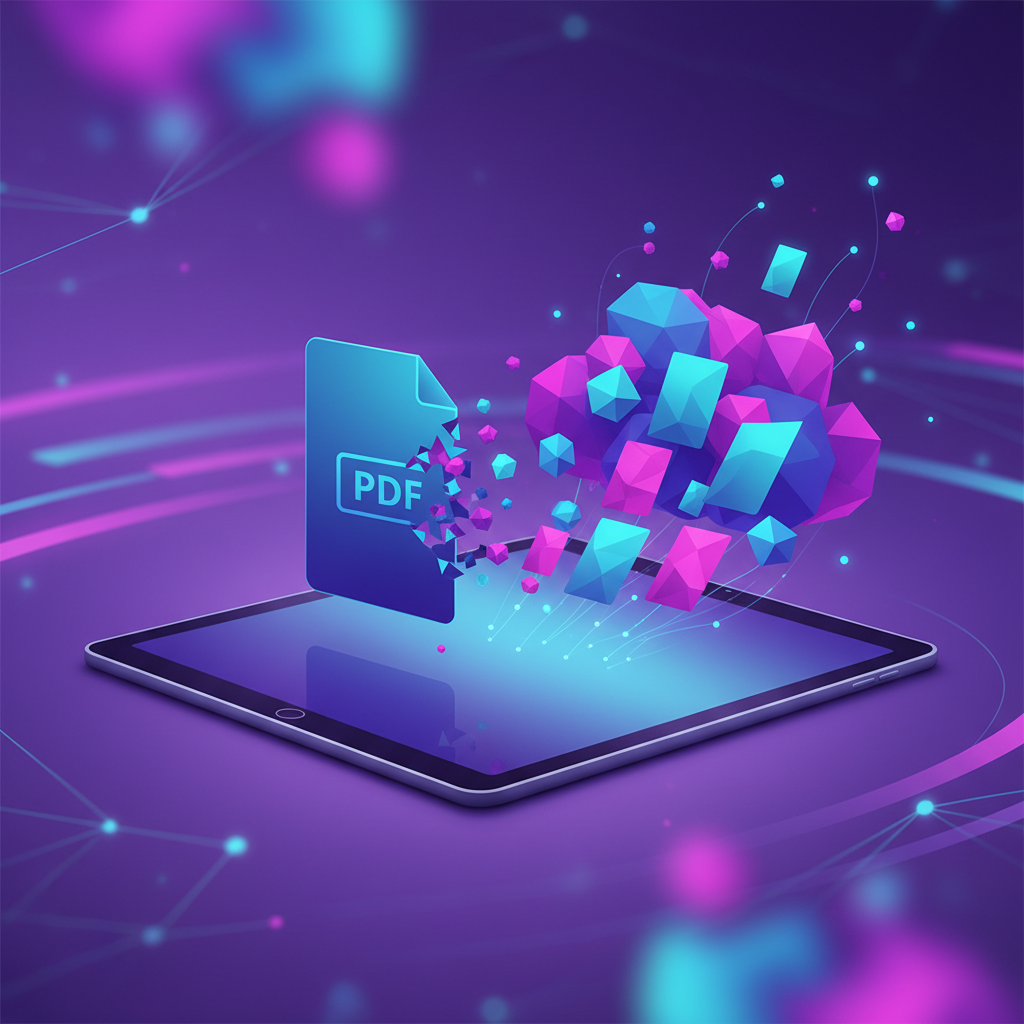
The fastest way to create flashcards from a PDF is using an AI tool that reads your document, identifies key concepts, and generates question-answer pairs automatically.
Step-by-Step with QuerySpark:
- Upload your PDF: drag and drop any PDF up to 50MB. QuerySpark uses advanced OCR to handle scanned documents too.
- AI analyzes content: the AI identifies key terms, definitions, processes, and relationships within your material.
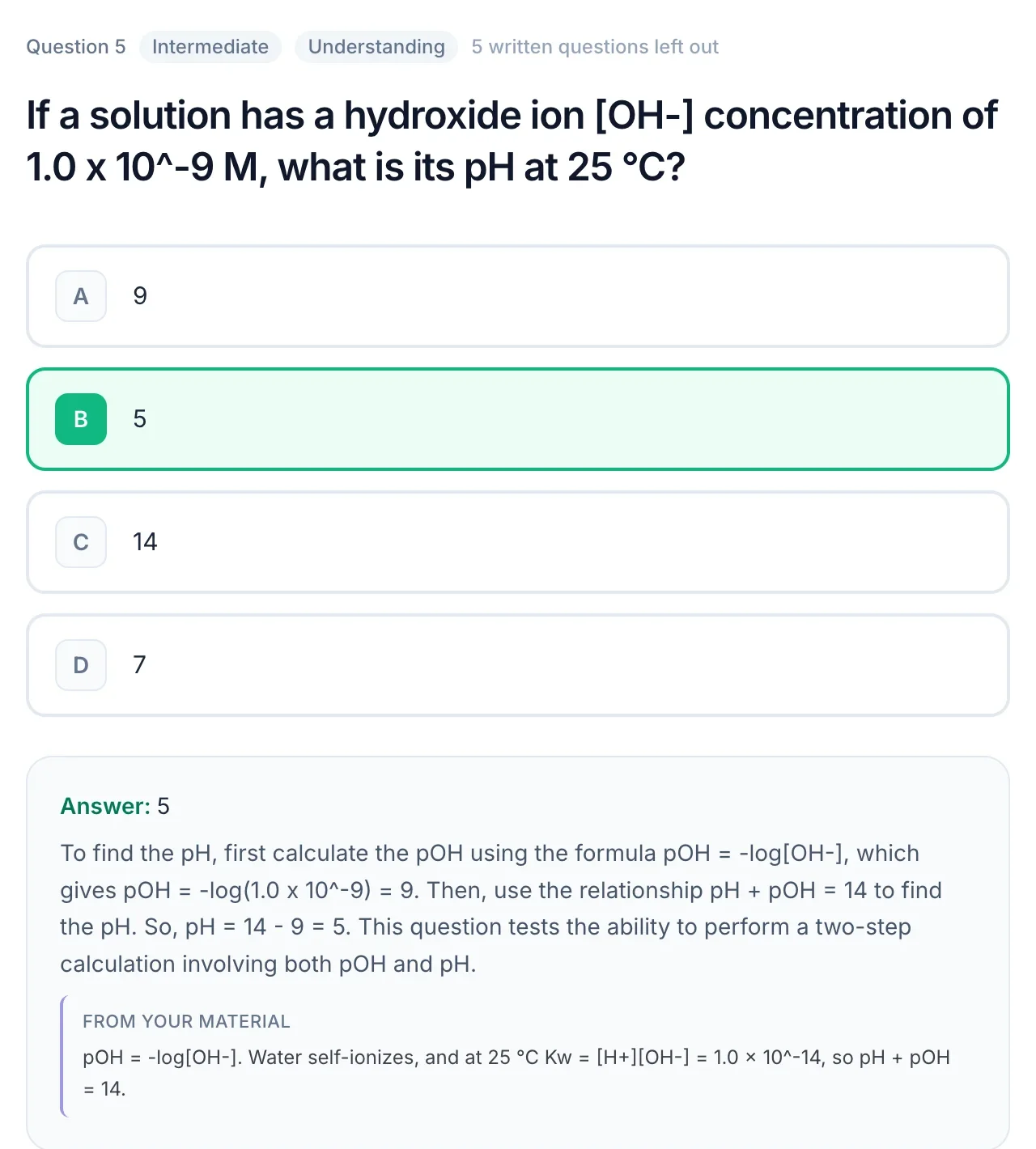
- Generate flashcards: click "Generate Flashcards" and get a complete deck in seconds. Each card maps to Bloom's Taxonomy levels, so you know if you're testing recall vs. analysis.
- Study with spaced repetition: use the built-in SM-2 algorithm to schedule reviews at the optimal time.
Time: Under 2 minutes for a 50-page PDF.
Method 2: Manual Extraction + Flashcard App
The traditional approach: read through your PDF, highlight key concepts, then manually type them into a flashcard app like Anki or Quizlet.
Pros:
- You engage deeply with the material while creating cards
- Full control over card quality
Cons:
- Takes 2-4 hours for a 50-page document
- Easy to create cards that are too vague or too specific
- No cognitive level mapping
Method 3: Copy-Paste with ChatGPT
You can copy text from your PDF and ask ChatGPT to generate flashcards. This works but has significant limitations:
- ChatGPT has a context window limit, long PDFs need to be split into chunks
- No direct PDF upload (you need to copy-paste text)
- Output format requires manual reformatting for most flashcard apps
- No built-in study mode or spaced repetition
Method 4: PDF Annotation Tools
Some PDF readers (like PDF Expert or Adobe Acrobat) let you highlight and export annotations. You can then convert those annotations into flashcards using import tools.
This is a hybrid approach, more targeted than full AI generation but still faster than fully manual creation.
Comparison Table
| Method | Time (50 pages) | Quality | Cost | Study Mode |
|---|---|---|---|---|
| QuerySpark AI | 2 minutes | High (Bloom's mapped) | Free tier available | Built-in SR |
| Manual (Anki/Quizlet) | 3-4 hours | Variable | Free | Anki SR / Quizlet Learn |
| ChatGPT | 15-30 minutes | Medium | $20/month | None |
| PDF Annotation Export | 1-2 hours | Medium | Varies | None |
Tips for Better Flashcards
- One concept per card: don't cram multiple ideas into a single flashcard
- Use images when possible: visual cues improve recall by up to 65% (Dual Coding Theory)
- Include context: instead of "What is mitosis?", try "In cell biology, what process results in two identical daughter cells?"
- Test at multiple levels: don't just memorize definitions. Create cards that test application, analysis, and evaluation (Bloom's Taxonomy levels)
- Review consistently: the best flashcard deck is useless if you don't review it. Use spaced repetition to stay on track.
Ready to Try It?
Stop spending hours manually creating flashcards. Upload your first PDF to QuerySpark and have a complete, Bloom's-mapped flashcard deck in under 5 minutes, completely free.
Already use Anki? QuerySpark exports in Anki-compatible format, so you can generate cards with AI and study them in your preferred app.