Overview
Re-reading notes feels productive but rarely sticks. Here are three ways to turn lecture notes into practice questions, ranked by how much they actually improve your grade per minute of effort.
You took four pages of notes in lecture. Re-reading them feels productive, but two weeks later the exam asks something your eyes have glided over a dozen times and your brain still goes blank. The fix is well-documented: you have to retrieve the material, not review it. That means turning those notes into questions you have to answer from memory.
Below are three methods to convert lecture notes into practice questions, ranked by how much they actually move your grade per minute of effort. I'll be honest about the tradeoffs, including where the slow manual method still wins.
Why practice questions beat re-reading (the 30-second version)
Reading your notes again creates a feeling of fluency: "yeah, I know this." That feeling is a trap. It measures recognition, not recall. Exams demand recall. The act of pulling an answer out of your head before checking it is called active recall, and it is the single highest-leverage study habit there is.
Practice questions force active recall by design. Every question is a small test, and every test is also a study session. When you space those tests out over days, you get the compounding benefit of spaced repetition on top. Notes that just sit in a binder give you neither.
Method 1: Generate questions with AI (fastest, highest ROI)
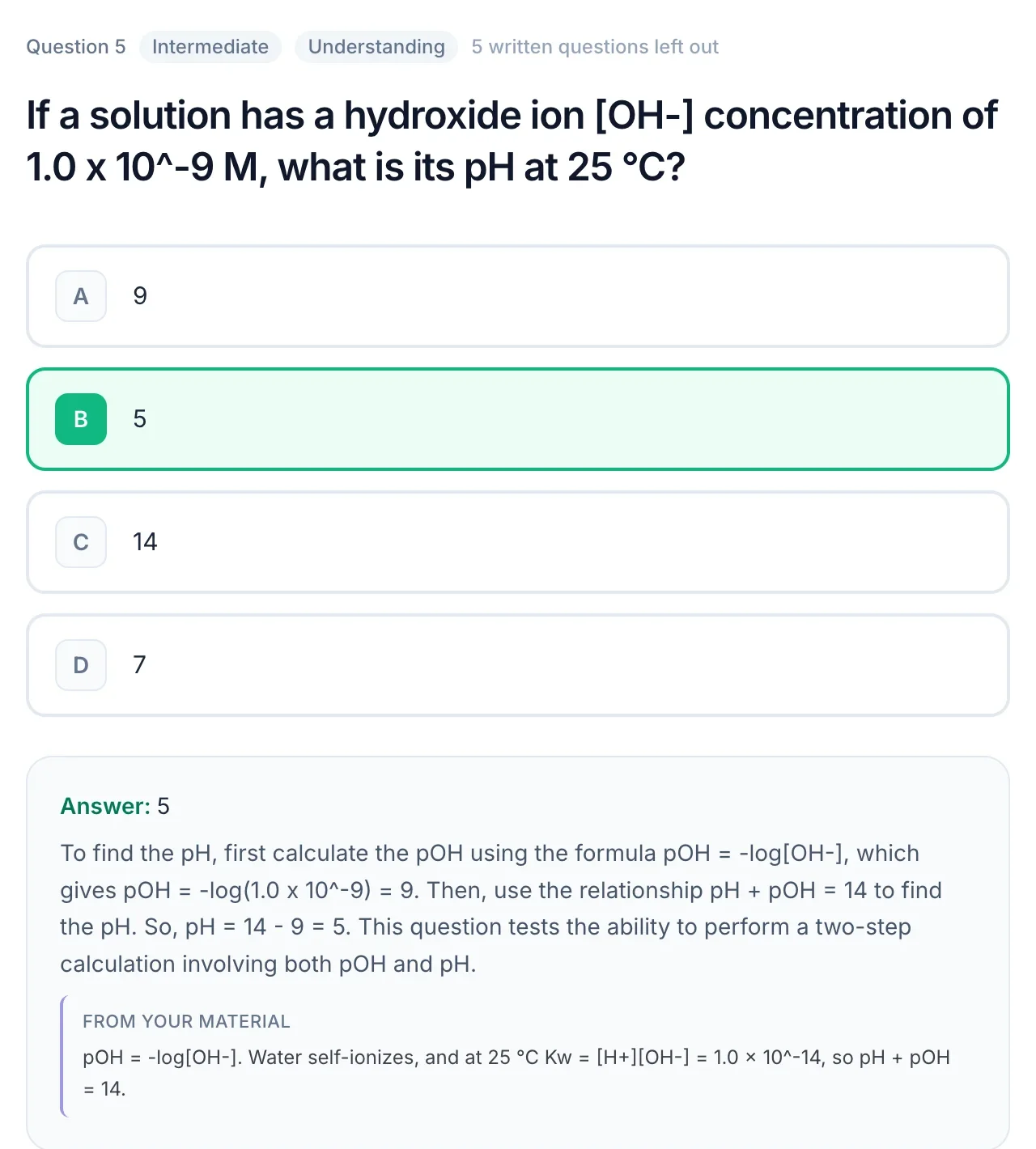
This is the method I reach for first because it collapses an hour of work into a couple of minutes. You feed your notes (typed, photographed, or as a PDF export) into an AI tool and it returns a set of questions in the formats you want.
How to do it
- Export your notes as a PDF or paste the text. Handwritten notes work too if you snap a clear photo.
- Drop them into an AI quiz generator and pick your question types: multiple choice for breadth, short answer for recall, essay prompts for the concepts you have to explain out loud.
- Skim the output for any question that misread your notes, then start answering. Mark what you miss.
The best tools tag questions by cognitive level (Bloom's taxonomy), so you get a mix of "define this" and "apply this to a new scenario" instead of only trivia. Full disclosure: QuerySpark is our tool, built specifically to turn notes and PDFs into Bloom's-tagged questions and flashcards. If you want to try the workflow, PDF to questions is free and needs no signup.
Tradeoffs
- Pro: Seconds, not hours. Easy to regenerate a fresh set the night before an exam so you're not just memorizing the answer key.
- Pro: Forces breadth. AI surfaces details you'd skip when writing questions yourself.
- Con: AI can occasionally invent a plausible-but-wrong question if your notes are thin or contradictory. Always sanity-check against your source.
- Con: You skip the small learning benefit of writing questions by hand (see Method 3).
Method 2: The Cornell / margin question method (analog, durable)
If you already take notes, this method costs you almost nothing extra. The Cornell layout splits each page into a wide notes column and a narrow left "cue" column. After lecture, you fill the cue column with a question for every chunk of notes.
How to do it
- Draw a vertical line about 2.5 inches from the left edge of each page (or use a Cornell template).
- Take notes as normal in the wide right column.
- Within 24 hours, write a question in the left column for each idea: "What are the three stages of X?" next to the notes that answer it.
- To study, cover the right column and answer each cue question out loud.
Tradeoffs
- Pro: Writing the question yourself is itself an act of recall and forces you to identify what actually matters.
- Pro: Zero tools, zero subscriptions, works on a napkin.
- Con: Slow. Questions tend to stay at the "recall a fact" level unless you push yourself.
- Con: Hard to shuffle or space out, paper doesn't reschedule itself.
Method 3: Write your own questions from scratch (deepest, slowest)
Sit down with your notes closed and write the exam you think your professor would write. This is the most effortful method and, minute for minute on the writing step, the most cognitively demanding, which is exactly why it works for the material that matters most.
How to do it
- Read a section once, then close it.
- Write 3-5 questions that test it, deliberately including at least one "apply" or "compare" question, not just definitions.
- Trade question sets with a study partner. Answering someone else's questions exposes your blind spots fast.
Tradeoffs
- Pro: The deepest processing of the three. Predicting exam questions is a skill that pays off across every course.
- Con: Time-expensive. Not realistic for five courses during finals week.
- Con: You can't test what you don't know you missed, your own blind spots stay invisible.
Ranked: which method should you use?
| Method | Speed | Depth | Best for |
|---|---|---|---|
| 1. AI generation | Fastest | Medium-high | Broad coverage, finals week, large reading loads |
| 2. Cornell cues | Medium | Medium | Building a habit during the term, no-tech setups |
| 3. Write from scratch | Slowest | Highest | The 2-3 hardest topics you must master cold |
For most students the winning combination is Method 1 for breadth, Method 3 for your weak spots. Let AI cover the whole syllabus so nothing slips through, then hand-write a few brutal questions for the topics that scare you.
Turn the questions into a study system
Generating questions once is good. Spacing them out is what actually moves the needle. Take the questions you miss and convert them into flashcards, then review them on a schedule instead of cramming.
You can do this by hand, but it's the obvious place to automate. An AI flashcard generator turns your missed questions into cards, and spaced repetition software shows each card right before you'd forget it. If your source material is a recorded lecture rather than written notes, you can even turn a YouTube lecture into a quiz directly.
A simple weekly loop
- After each lecture: generate or write 10-15 questions from that day's notes.
- Same week: answer them once, cold. Flag every miss.
- Ongoing: push misses into spaced-repetition flashcards and review daily for 10 minutes.
- Exam week: regenerate a fresh question set so you're tested on understanding, not on a memorized answer key.
Frequently asked questions
How many practice questions should I make per lecture?
Aim for 10-20 per lecture, enough to cover the main ideas without turning study into a marathon. Quality and variety beat volume. A handful of "apply this" questions will teach you more than fifty definition-recall ones.
Can I generate questions from handwritten notes?
Yes. Snap a clear, well-lit photo and most AI tools will read it via OCR. Messy handwriting and faint pencil reduce accuracy, so review the output for any misreads before you study.
Are AI-generated questions accurate?
Usually, but not perfectly. AI can occasionally produce a plausible-but-wrong question if your notes are thin or contradictory. Always sanity-check questions against your source material, treat AI as a fast first draft, not an infallible answer key.
Should I make multiple choice or short answer?
Both, for different jobs. Multiple choice covers breadth quickly and mimics many exams; short answer forces true recall with no options to recognize. For concepts you must explain, add a couple of essay prompts. A mix maps better to how you'll actually be tested.
The bottom line
Notes are raw material, not studying. The moment you turn them into questions you have to answer from memory, every minute starts counting double. Pick AI when you need coverage and speed, write your own when a topic genuinely scares you, and space the whole thing out so it sticks. Start with one lecture's worth of notes today, upload them and generate a quiz in under a minute and see the difference on your next practice run.