Reviewed August 3, 2026, sources linked below
QuerySpark vs Anki
Which study tool actually fits you?
Side-by-side breakdown of features, pricing, and workflow. Anki is beloved for good reason. Here's an honest look at where each tool wins, and how they work together.

QuerySpark
AI generates cards and exam-grade questions from your PDFs automatically, and exports them as CSV for Anki. Skip manual card-making.
- AI generates cards & questions
- Exports CSV for Anki, plus PDF
- 3-day Pro trial, no credit card
Anki
The free, open-source flashcard app known for configurable spaced repetition (with optional FSRS), shared decks and deep customization.
- Configurable scheduling, optional FSRS
- Free, open source, add-ons
- Large shared-deck library
Quick answer
QuerySpark or Anki: which should you choose?
Choose Anki if you want the most control over spaced repetition for free: it runs on desktop, Android and the web at no cost, has optional FSRS scheduling, add-ons and a large shared-deck library, but you write or download the cards yourself. Choose QuerySpark if making cards is the bottleneck: it writes flashcards and practice questions from your PDFs, slides and lectures in about a minute. Many students use both, exporting QuerySpark cards to Anki as CSV.
- Pick Anki for
- Long-term memorization with full control over scheduling and no subscription.
- Pick QuerySpark for
- Turning a lecture or chapter into cards and exam-style questions without typing them.
Quick verdict
QuerySpark
Best when you want to skip manual card creation. QuerySpark reads your PDFs and lectures and generates cards and exam-grade questions automatically, then exports them as CSV you can import into Anki. It's less a replacement than the fastest way to fill an Anki deck.
Anki
Best when you want the most powerful spaced repetition engine, free. Anki's configurable scheduling (including optional FSRS), open-source flexibility, add-ons and shared-deck library are hard to beat. If you enjoy crafting cards and want total control, it is the stronger choice.
Feature comparison
Every feature that matters, side by side
| Feature | QuerySpark | Anki |
|---|---|---|
| Spaced Repetition Engine | Built-in | Configurable, optional FSRS |
| AI Card / Question Generation | Yes | no (manual) |
| Upload PDFs, Notes, Slides | Yes | No |
| YouTube Lecture Import | Yes | No |
| Exam-style Quiz Generation | Yes | No |
| Question Types | MCQ, T/F, Short Answer, Essay | Cards (custom note types) |
| Bloom's Taxonomy Tagging | Yes | No |
| Export to Anki | Via CSV import | Native |
| Shared / Community Decks | No | Huge library |
| Add-ons & Customization | Limited | Extensive |
| Mobile Apps | No | AnkiDroid free; AnkiMobile paid |
| Open Source | No | Yes |
| Learning Curve | Low | Steep |
| Import From the Other Tool | Anki text import | CSV / text import |
| Free Tier | 3-day Pro trial, then 1 session/mo | Free (desktop, AnkiWeb, AnkiDroid) |
| Starting Price | $9/mo (Student) | Free; AnkiMobile $24.99 once (US) |
Is Anki free?
Yes on every platform except iPhone and iPad. The Anki desktop app for Windows, macOS and Linux is free, AnkiWeb (study in a browser and sync between devices) is free, and AnkiDroid for Android is free and built by volunteers. AnkiMobile, the official iOS app, is a one-time purchase that funds Anki's development; it was listed at $24.99 on the US App Store on August 3, 2026.
QuerySpark is a subscription. New accounts get a 3-day Pro trial with no card, then a free plan with 1 study session, 20 questions and 20 flashcards a month. Student costs $9 a month or $7 a month billed yearly. If cost is the deciding factor and you are happy to write cards, Anki is the better deal.
Is Anki worth it?
For facts you need to keep for months or years, usually yes. Vocabulary, anatomy, drug names, formulas and legal definitions are where daily spaced reviews pay off, and Anki gives you full control over how those reviews are scheduled.
The cost is time. You either write the cards yourself or find a shared deck that matches your course, and you need to review most days for the scheduling to work. Anki is also a weaker fit for two common situations: an exam in a few days, where there is no time for spacing to help, and exams that test applying ideas (case questions, data interpretation), which flashcards alone do not practise. That is where generated multiple-choice and short-answer questions with explanations help.
How to make Anki cards from a PDF
Anki does not read a PDF and write cards for you, so you either type the cards or generate them elsewhere and import them. With QuerySpark the route takes a few minutes:
- Upload the PDF (up to 100 MB and 120 pages per upload; scanned pages are read with OCR) and choose flashcards. See PDF to flashcards for what works best.
- Review the deck in QuerySpark and edit or delete any card you would not have written yourself.
- Export the deck as CSV. QuerySpark does not export Anki's .apkg format directly.
- In Anki, use File, then Import, pick the CSV, map the first column to Front and the second to Back, and choose the target deck. CSV is plain text, so diagrams from the PDF do not come across.
Inside QuerySpark
Flashcards written from your own material
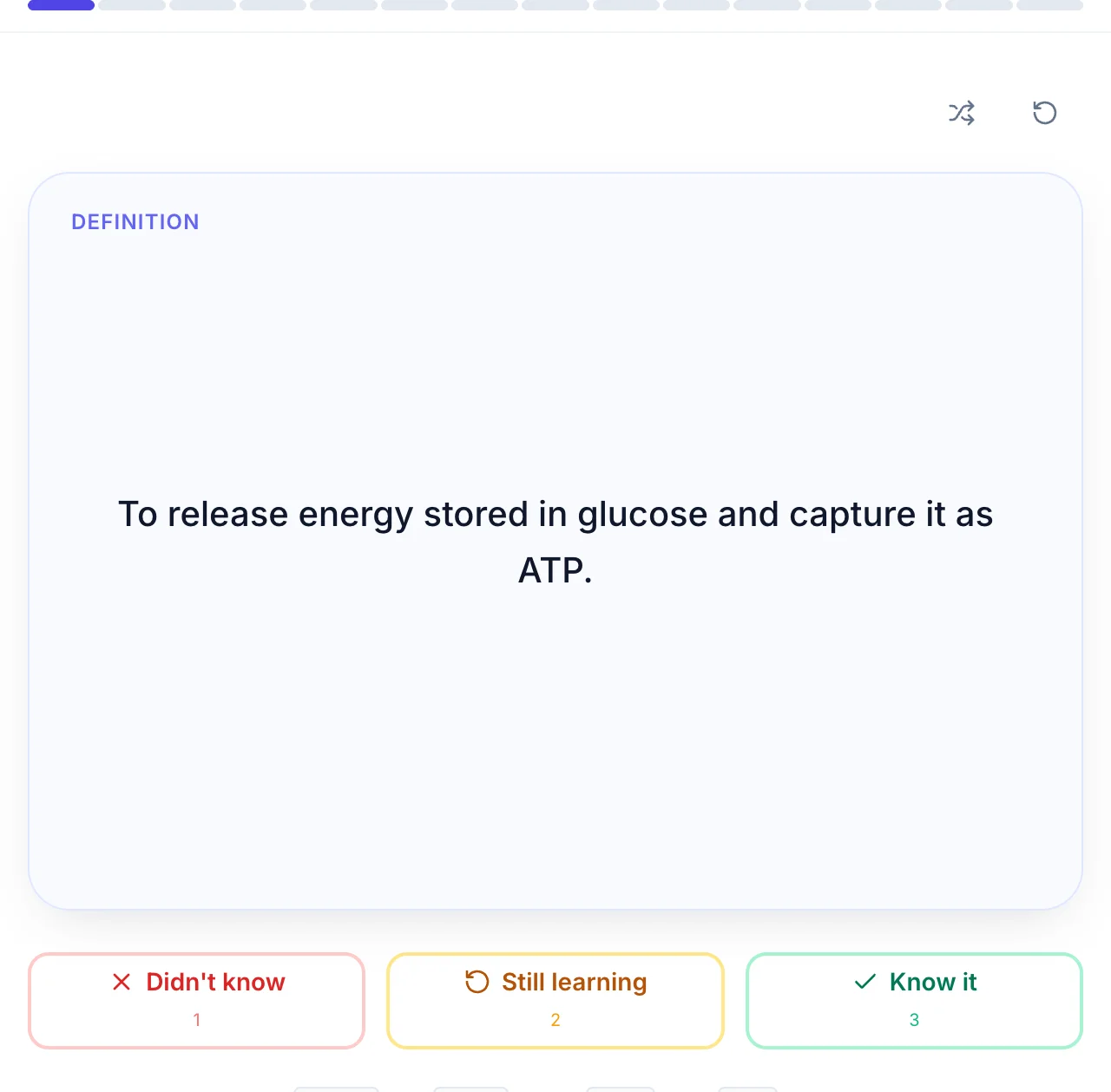
QuerySpark writes the cards from your PDF, slides or lecture. Flip, rate yourself, move on: cards you know go further out and cards you miss come back sooner.
Anki vs Quizlet, and where QuerySpark fits
Anki and Quizlet are both flashcard tools, but they suit different people. Anki is free on most devices, highly configurable and focused on long-term retention, with a steeper learning curve. Quizlet is easier to start, has polished mobile apps and a very large library of sets made by other users, and keeps some study features behind its paid Quizlet Plus plan.
QuerySpark is different from both: it writes the cards and practice questions from your own material instead of asking you to write or find them. If you are choosing between all three, see QuerySpark vs Quizlet as well.
Using QuerySpark and Anki together
Many students do not have to pick one. A workable split is to let QuerySpark turn each week's lecture slides or reading into flashcards and exam-style questions, practise the questions there (every answer has an explanation, and most show the passage it came from), and export the flashcards to Anki for long-term review. It works the other way too: QuerySpark can import an Anki deck exported as text, so existing cards can sit next to new practice questions. For how QuerySpark schedules its own reviews, see spaced repetition in QuerySpark.
When to choose each
Choose QuerySpark if…
- You don't want to build cards by hand. QuerySpark generates cards and questions automatically from your PDFs, notes, and lectures, the part of Anki that takes the most time.
- You want exam-style questions, not just cards. Beyond flashcards, QuerySpark produces MCQ, true/false, short-answer, and essay questions tagged by Bloom's level, with answer keys.
- You still want Anki in your workflow. QuerySpark exports to CSV, which Anki imports, so you can keep FSRS scheduling while letting AI do the card creation. They complement each other.
- You want a gentle learning curve. Anki is powerful but steep. QuerySpark is web-based and works out of the box with no add-ons or note-type setup.
Choose Anki if…
- You want the best spaced repetition, free. Anki lets you tune scheduling in detail, including the optional FSRS algorithm, and the desktop app, AnkiWeb and AnkiDroid cost nothing. QuerySpark does not offer that level of scheduling control.
- You want full control and add-ons. Anki is open source with a massive add-on ecosystem and custom note types. Power users can tune nearly everything.
- You rely on shared community decks. For medical school, languages and standardized tests, popular shared Anki decks already exist. That library is a genuine, hard-to-beat advantage.
- You prefer making your own cards. Many learners retain better by authoring cards themselves. If you enjoy that process, Anki was built for it, and it's free.
Pricing comparison
How the two tools stack up on cost
QuerySpark
3 Plans
- Free
- $0/mo, 1 session/mo
- Student
- $9/mo or $7/mo yearly
- Educator
- $29/mo or $24/mo yearly
Every new account starts with a 3-day free Pro trial, no credit card. AI card generation, all four question types, and CSV export for Anki on every plan.
Anki
Free + iOS App
- Desktop (Win/Mac/Linux)
- Free
- AnkiDroid (Android)
- Free
- AnkiMobile (iOS, US)
- $24.99 one-time
Free on desktop and Android; the iOS app is a one-time purchase that funds development. Pricing may change, so check Anki directly for current rates.
Frequently asked questions
Anki is free on Windows, macOS and Linux, on the web through AnkiWeb, and on Android through AnkiDroid. The official iOS app, AnkiMobile, is a one-time purchase that funds development.
AnkiMobile is the official iOS app and its sales help fund Anki's development. It is a one-time purchase rather than a subscription, and you can still use AnkiWeb in a browser for free.
Yes, through CSV. Export the deck as CSV from QuerySpark, then use File, Import in Anki and map the columns to the front and back of the card. There is no direct .apkg export.
Not on its own. Anki expects you to write cards or import them. You can generate cards from a PDF with an AI tool such as QuerySpark, check them, and import the CSV into Anki.
Yes. QuerySpark schedules flashcard reviews based on how you rate each card, so cards you miss come back sooner. It does not offer Anki's detailed scheduling settings, add-ons or optional FSRS tuning.
Anki is better if you want free, configurable spaced repetition and do not mind a learning curve. Quizlet is better if you want polished mobile apps and ready-made sets from other users. Neither writes practice questions from your own PDFs the way QuerySpark does.
Anki is widely used by medical students, often with shared community decks, and it is worth it if you will review most days. QuerySpark can add practice questions written from your own lecture slides, which shared decks do not cover.
Yes. Export the deck from Anki as text and import it into QuerySpark, where you can study the cards and generate practice questions alongside them.
Still stuck? Email us.
Try QuerySpark Free, No Card Required
Turn a PDF into a deck of cards and exam-grade questions in about a minute, then export to CSV and import into Anki.